Showing posts with label OCI Process Automation. Show all posts

Wednesday, August 17, 2022

#925 - OCI Process Automation - Dynamic Processes

As in real life, many of your business processes won't follow a structured or sequential path. They might have many possible activities that experts could act on as needed, given the situation. Think of an insurance claims case, where experts could be brought in as necessary to examine documents, pictures of damaged vehicles etc. Based on their findings, we could find ourselves dealing with a case of possible fraud etc. OPA allows us to create such processes, so let's away!


Activities: the actions taken within the process, e.g. review claim, ask for fraud check etc.

Stages: Your dynamic process can be divided into stages. Think of a stage as a bucket for related activities, activites that must be completed inorder to achieve a Milestone e.g. 

Stage 1 - Initial Investigation includes tasks such as validate claim report, review pictures of damaged vehicle. Our milestone, the outcome of this stage, we could call "Initial Investigation Completed". Depending on the outcome, this could result in Stage 2 - Fraud Investigation - being triggered.

You get the idea!

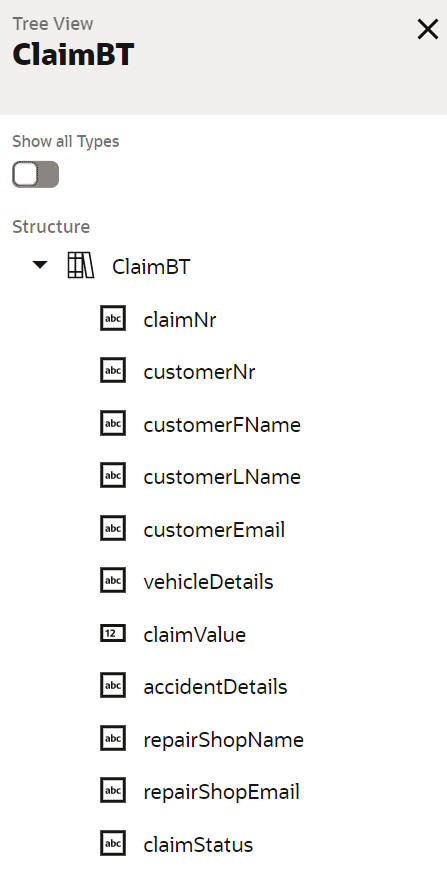
Here is my simple dynamic process - the prep work included defining a Claim Business Type - 


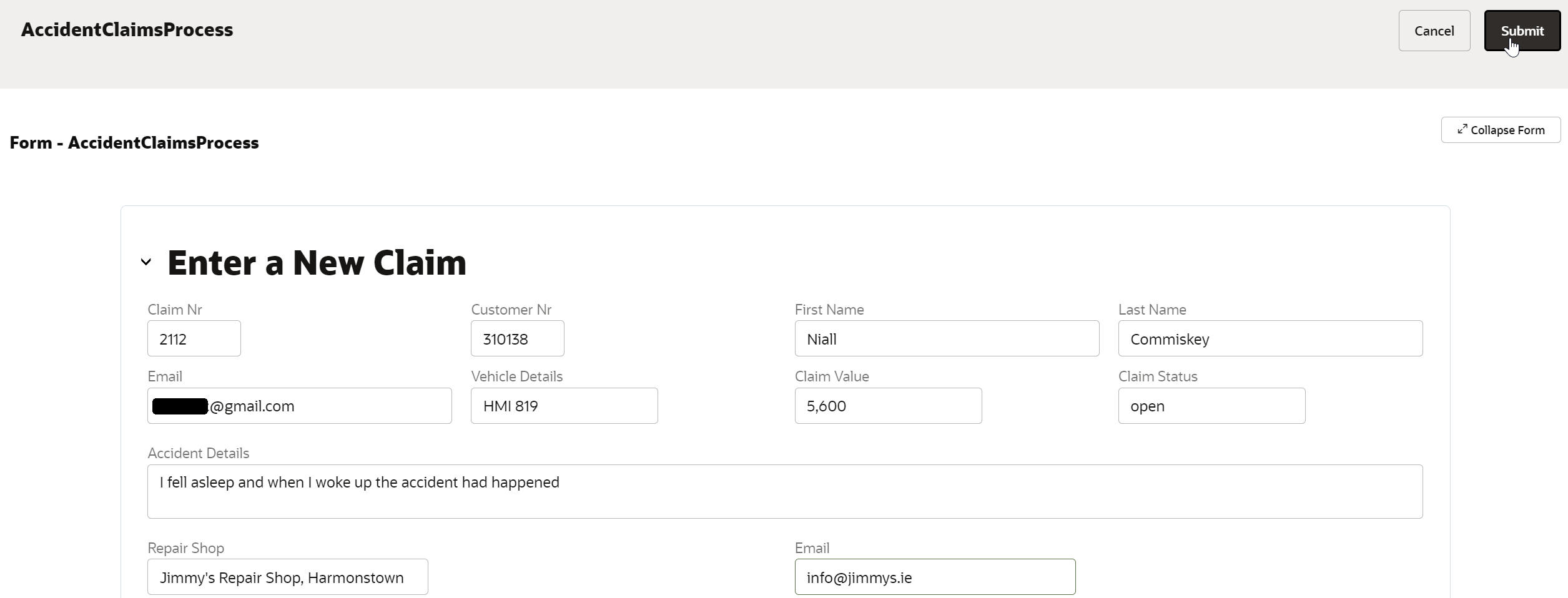
A Form with 3 presentation types - for claim entry, initial investigation and fraud checking.


Two structured processes - 


RequestDocsProcess simply emails the claimant requesting more documentation related to the accident etc.

SettleClaimProcess emails the repair shop to confirm they can start repairing the vehicle.

I also added the following roles - 


Let's now orchestrate the dynamic process, now that we have all of the pieces -


Note, each stage can have it's own set of activities. Also note the Activities section below the Stages. Here one can define common activities, invokable  at every stage. An example could be activity to ask for more documentation from a claimant. 

Before we get into the different activities one can have in stages, let's look at how we can kick off this claims case - 


As you can see, the case can be initiated via a form or the arrival of a message. I choose the form option. 


Here are the different types of activities available - 


The Initial Investigation Stage includes 1 Human Task Activity. Let's look at its configuration - 


As you can see, the properties allow for great flexibility. The Initial Investigation stage, in our use case, is mandatory and can only happen once. The task is assigned to the Claims role.

Further properties include -


Note the Task Outcome - I needed to create this variable - very easy to do - 


I created an outcome variable for the fraud check as well as one for the claim object itself. More about them later.

Now to the Fraud Check Stage - I only want this triggered when the initial investigation rejects the claim.


I can specify this through an activation rule - 


The Fraud Check human task is configured analogue to the InitialInvestigation human task, so I will not go into the details here.

Now to the common activity - 


Only structured processes with a None start event can be included here. So the next question is - how to I pass parameters to this process?

Simple - You define these within the process. 

Here is the process - 


Now to the Data Mapping - 


The same procedure is used for the Settle Claim Stage activity, so I will not go into detail about it here.

Now we are ready to process a claim - 


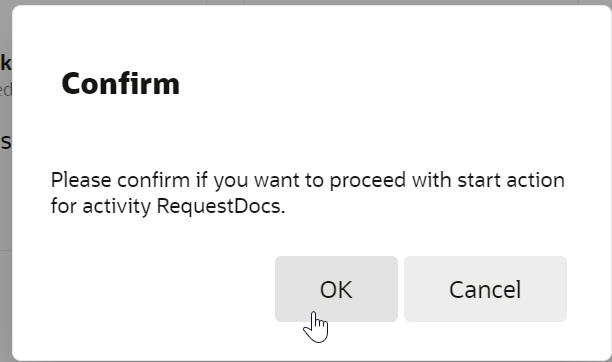
Here I see the different stages and their individual status. I see 2 activities available - InitialInvestigation and RequestDocs(the repeatable common task). Let's activate the latter - 


The Claimant receives the email - 


In the meantime, let's do the initial investigation - 


What does the case status look like now?


The Fraud Checker takes over - 


No fraud here, so let's settle the claim and inform the repair shop - 


Summary

Granted, a simple example - but the goal was to show you the mechanics of implementing such in OCI Process Automation. I hope you can extrapolate and see the business value add Dynamic Processes offer you and your customers. By the way, the vehicle registration plate details I used - HMI 819 - were from a Renault 8 my parents bought in the late 1960s - they don't make care like that anymore - 


Thursday, August 4, 2022

#920 OCI Process Automation now available

 OCI Process Automation is now available at an Oracle Data Center near you! So what is it? Essentially, a standalone process automation engine very similar to what we have in OIC gen 2. The difference here is the standalone -  it ships with 2 environments - one for designing your processes, the other - your Workspace for interacting with processes.
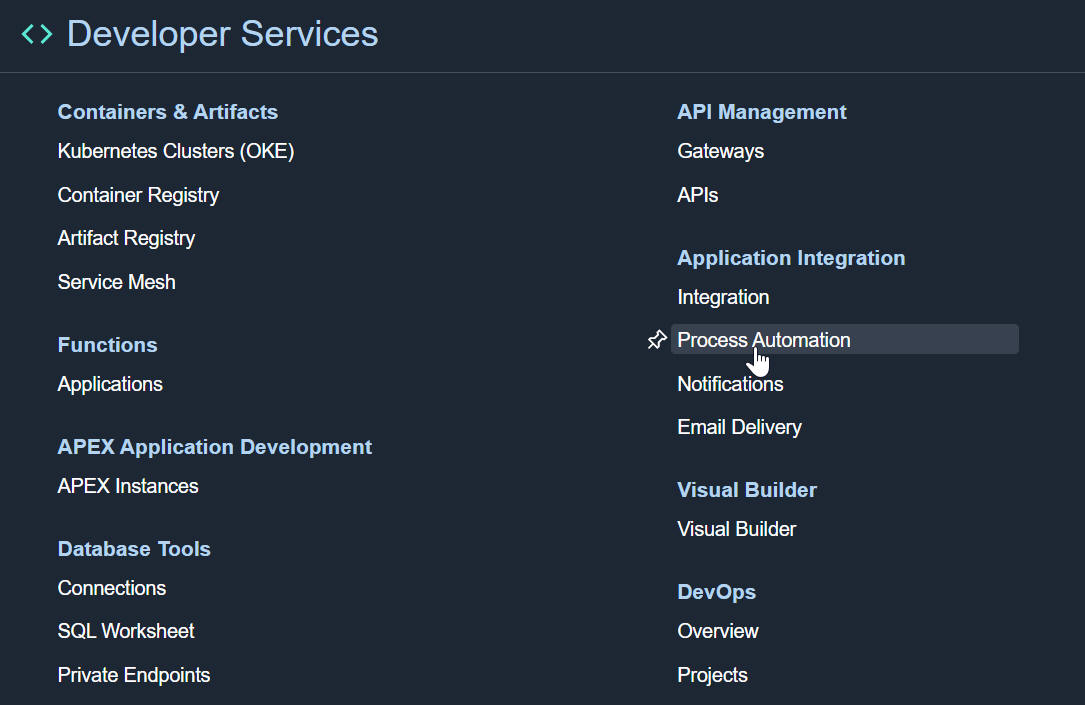
The oracle docs for OCI Process Automation are available here. But, without further ado, let's provision an instance!

Provisioning Process Automation


Note, the Access Token field is populated for you.

Regarding the Metering Model

Users - active process users per hour, as invoker or participant. Probably very interesting for customers buying Process Automation to extend SaaS e.g. HCM, where user based pricing is the norm.  

Execution Pack - An execution pack gives you 10,000 execution activities. An activity is any available element in the Process Automation design palette e.g. start/end events, human task, exclusive gateway etc. Now say your process contains 100 activities, however, for a particular instance flow only 40 of these are actually executed. That means 10,000 - 40, leaving you with 9960 "credits" in your execution pack. 

Now to the design time -


Welcome to the new Process Designer - 

Kicking the Tyres

The designer is very similar to what we have today in OIC Gen2, however, with some important deltas -

  • Standalone Designer - no dependency on OIC
  • Redwood Look and Feel
  • Compelling new features
So let's create a simple process - 


Let's go thru the individual components - 

I start off with Types - the business objects. This is an order approvals demo, so I start by creating my Orders business object.


Business Types are business objects, such as my order definition etc. List of Values can be used for data input - e.g. a LOV attached to a picklist field in my order entry form.

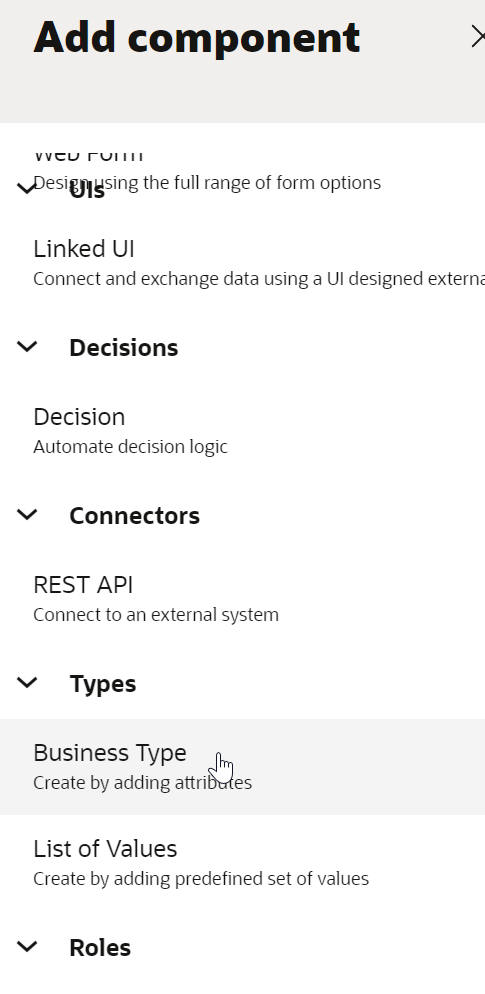
So to the Business Type - 


I add the required fields -


I then create an LOV - 


now let's create the UI - here I need a Form that can be used for Order Entry and Order Approval -


I will drop the Order type onto the form - 


I prettify it somewhat -


I now create the process roles - I will have 2 - the CSR enters the orders, while the MANAGER approves.


I do the same for MANAGER.

Finally, to the process itself - Process Automation supports 2 types of processes - structured and dynamic; for the latter think unstructured, more case management style. 


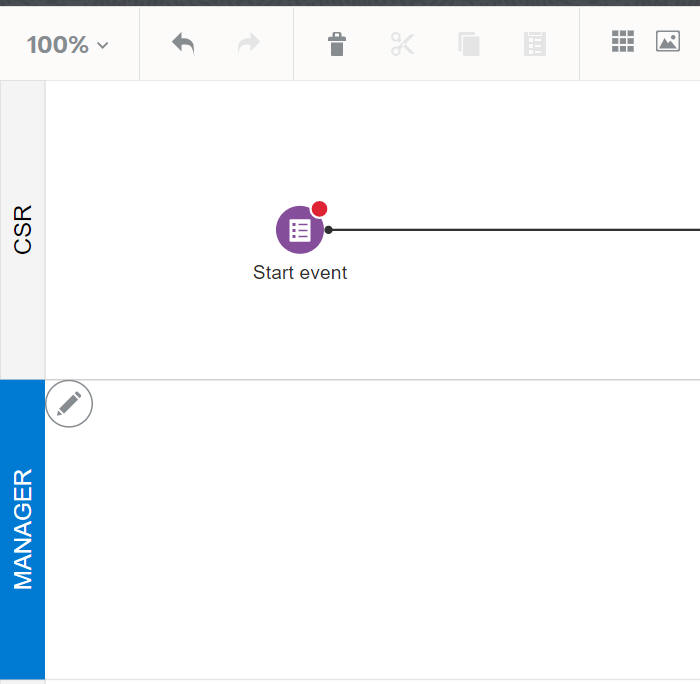
Note the 2 swimlanes on the left - each of these will be assigned a role.


My business logic is simple - the CSR enters an order and the MANAGER approves it - so I need a Start Event of type Form (data entry).


I need to associate it to the form I created - 


Click on Open Data Association and you will see that a process data object has been automatically created.


This variable will contain the Order data entered.

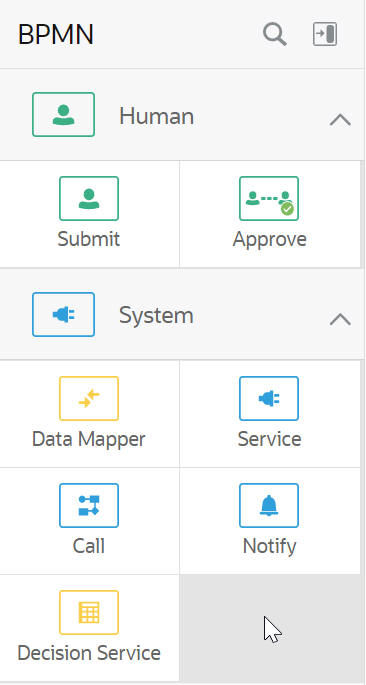
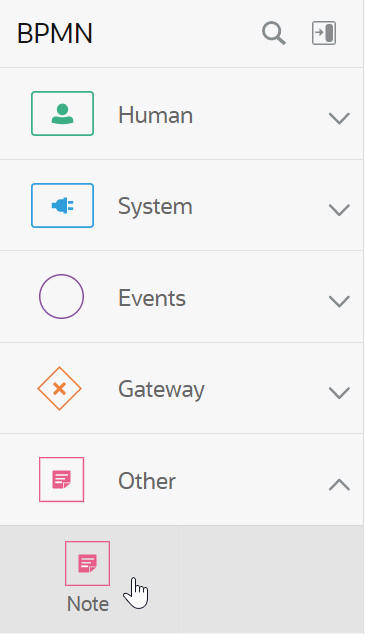
This is a good time to look at the activities available in the palette - most of these are self explanatory - 


I drop an Approve activity in the MANAGER swimlane - 


I configure the Approve to use the same form - as you can see, I have included the customer name in the title - 


I select Bind to process data


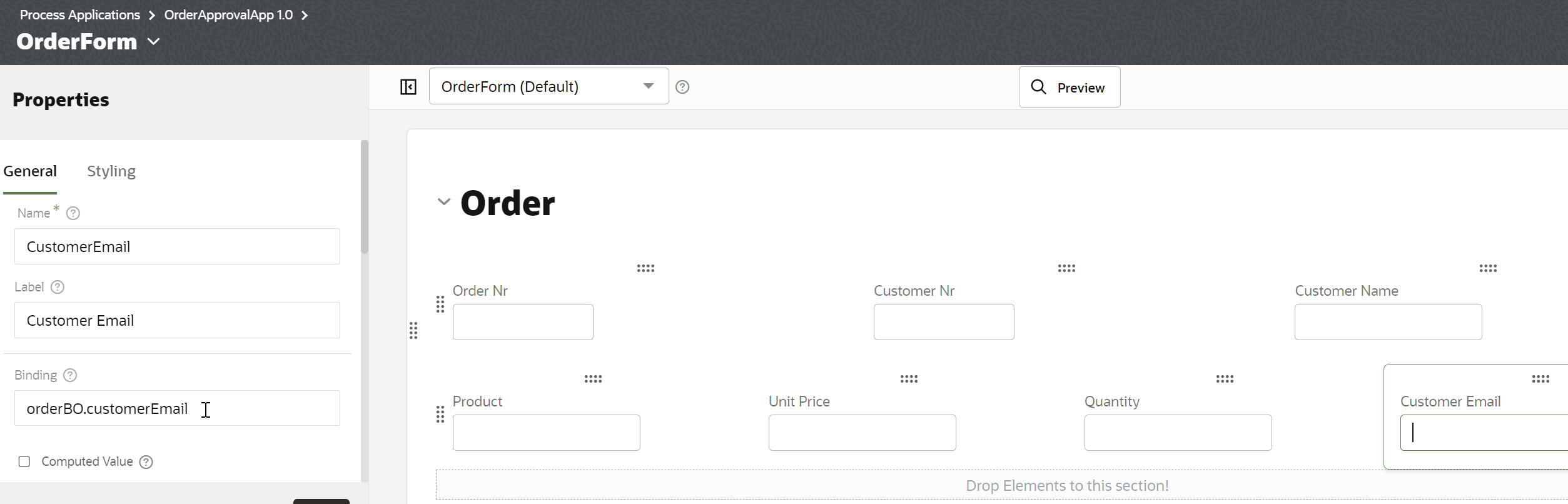
Now it hits me - I need the customer email - no worries - I add it to the Type definition and also to the form - 


So now to the decision gate - what to do if Approved or Rejected. In this simple example, I will just send an approval or rejection mail.


Condition is based on the value of the auto-generated variable - taskOutcomeDataObject.

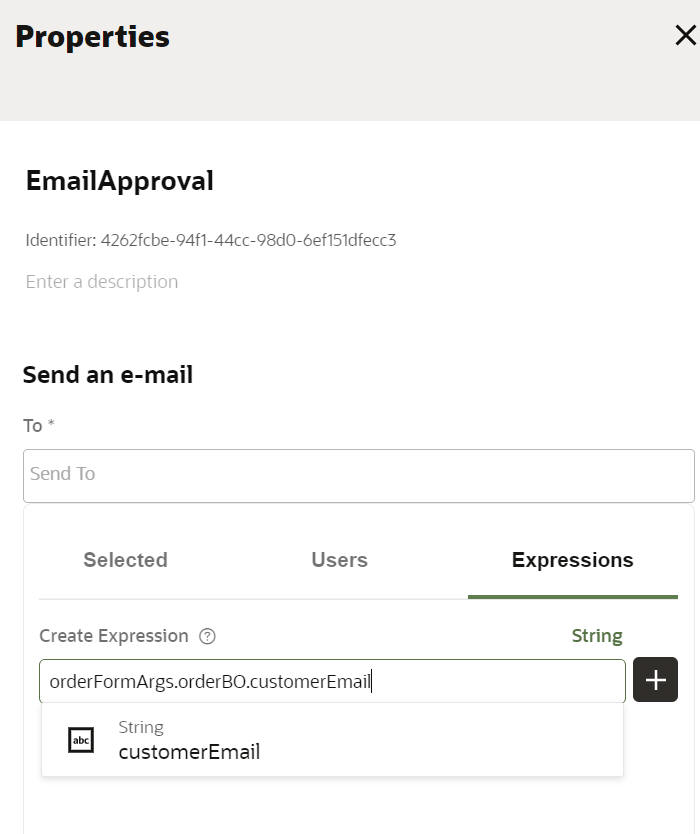
I configure the approval notify activity as follows - 


I do the same for the rejected path - 

That's it! Version 1 of the process has been completed - let's test it!


We could simply click Test here, but let's open the Workspace first.

The workspace uses the same base url as the designer - 

https://yourOPA.oraclecloud.com/process/designer
https://yourOPA.oraclecloud.com/process/workspace


I add my user to both roles - 


I then click on Start Requests and see an icon for my app


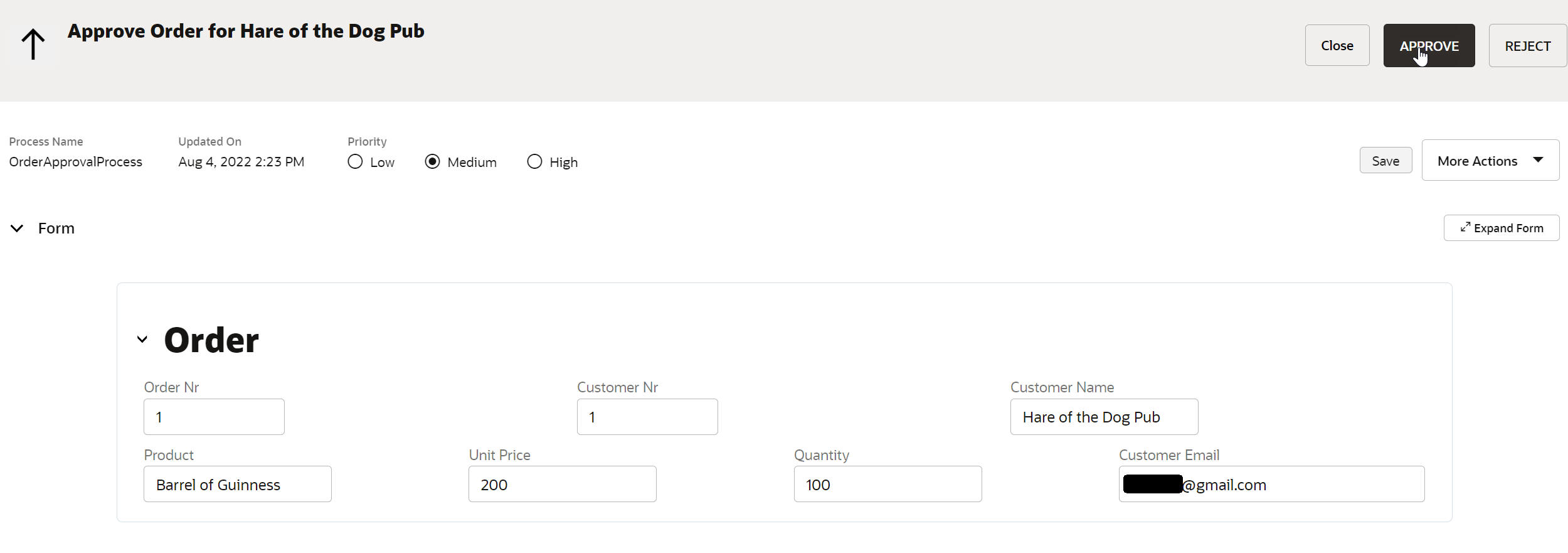
I check out my worklist - 
and approve the order - 


I can check out the Audit trail -


Excellent - the Guinness is on the way!
Further posts will go into more depth - for example enterprise connectivity, something I haven't touched in this post. Also leveraging the LOV in the Form , different start events etc. So wath this space or, should I say, blog!